 The future of identity operations is here. Meet Persona AI →
Introducing Data Explorer: Get faster insights to help you make better decisions

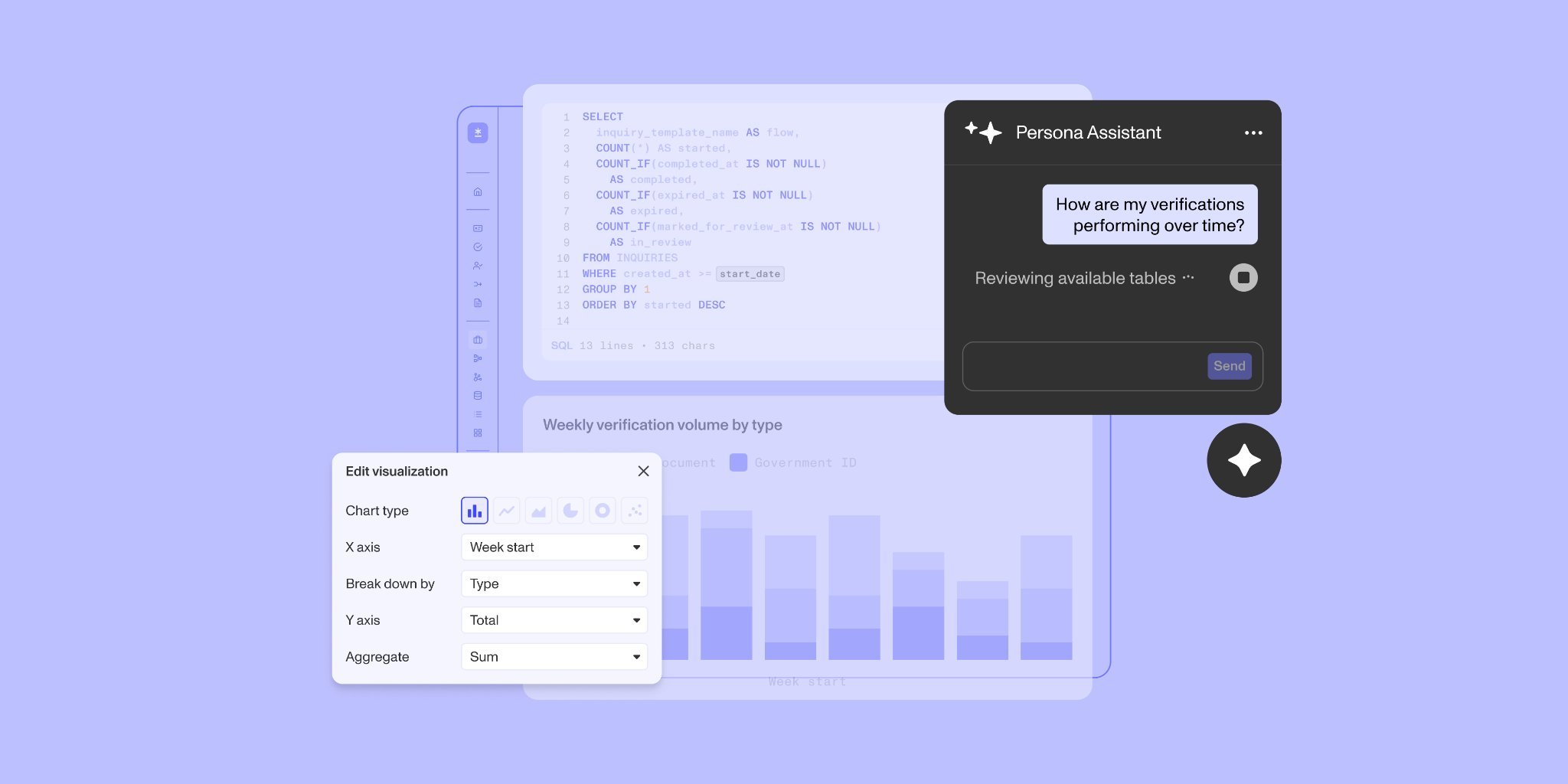


Running an identity verification program means constantly asking one question: is it actually working? Are the right people getting through, are the wrong ones stopped, and are those patterns changing week to week?
To run an effective identity verification program, your team needs to understand what’s happening and why. But the data required to answer any one question is typically spread across inquiries, verifications, cases, and associated device and network signals.
Across the industry, investigating often meant exporting data, requesting a custom pull, or opening a separate analytics tool. Each of these creates multiple workstreams and can involve moving sensitive data and introducing risk. Teams need a direct way to explore these records within the identity tools they use without maintaining a separate analytics pipeline.
That’s why we’re introducing Data Explorer, a simpler way to analyze your identity data, gain actionable insights, and optimize your business in one place.
How Data Explorer works
Data Explorer is a SQL interface built directly into the Persona Dashboard. It gives your team a read-only view of your organization’s data, organized by inquiries, verifications, cases, accounts, and more. Now you can query data, visualize results, and share your findings without leaving the Persona platform or switching to analytics tools.
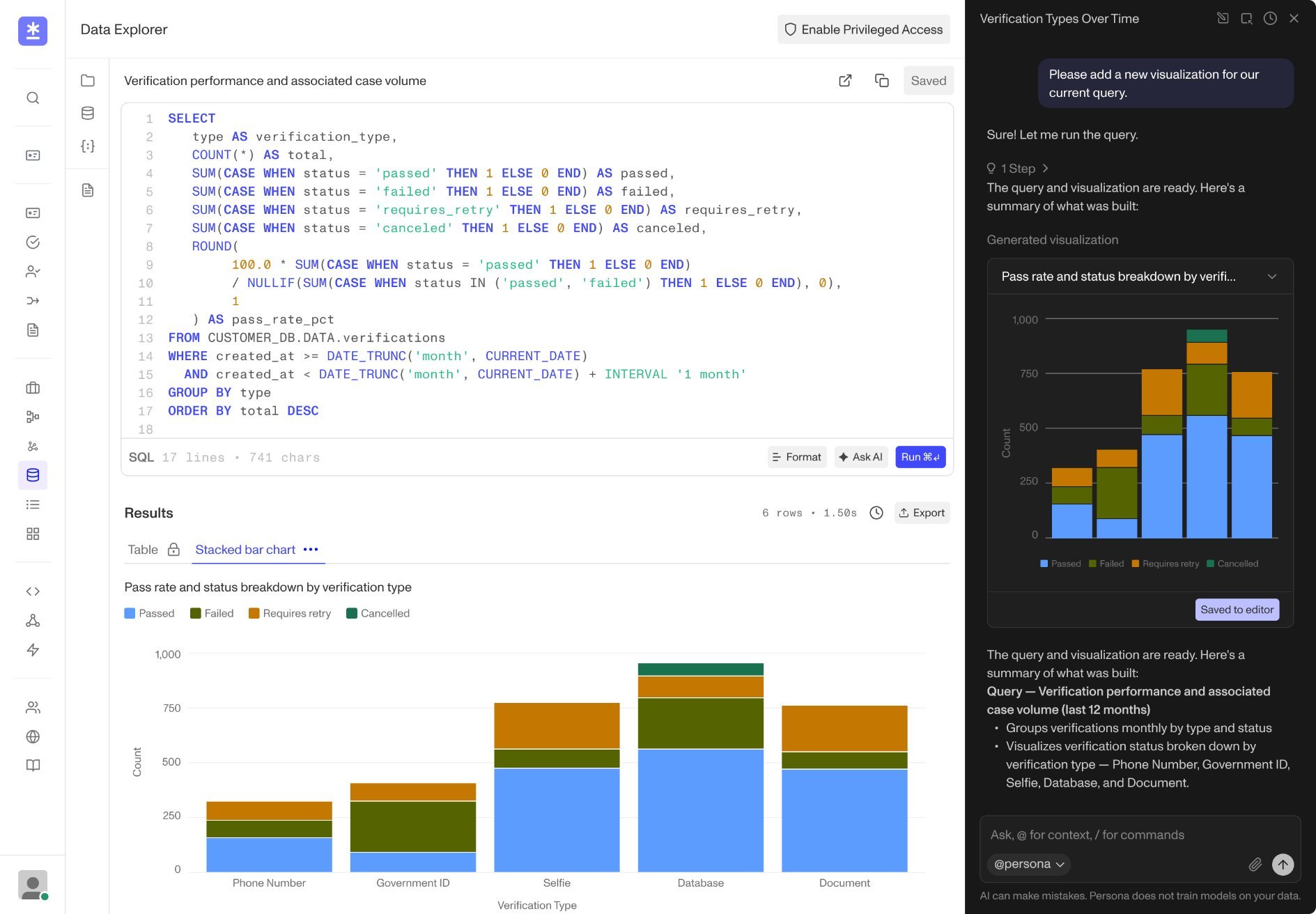
Here’s how to use Data Explorer, step by step:
1. Investigate
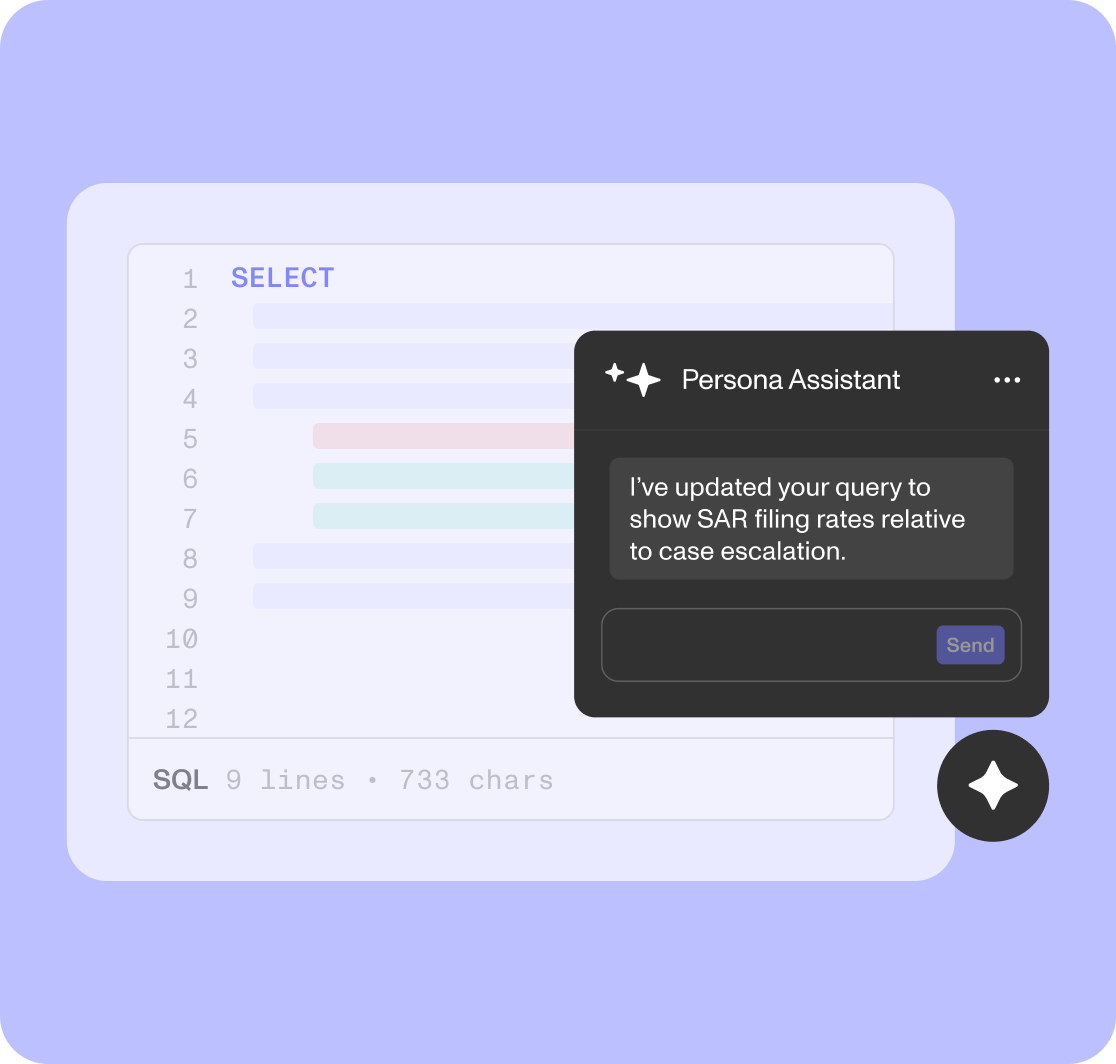
Data Explorer gives you two options to get the data you need: write SQL in a full editor with autocomplete based on your tables and columns, or describe what you need in plain English and have Persona Assistant draft the query. Once you have the results, trace high-level metrics back to individual inquiries, verifications, and cases, or join data across products when standard dashboard filters don’t provide enough detail.
Try prompts like:
“Which inquiry template has the highest completion rate this quarter?”
“Show every inquiry, verification, and case tied to these 200 reference IDs.”
“How long are cases sitting in review, and who is the assigned reviewer?”
2. Visualize
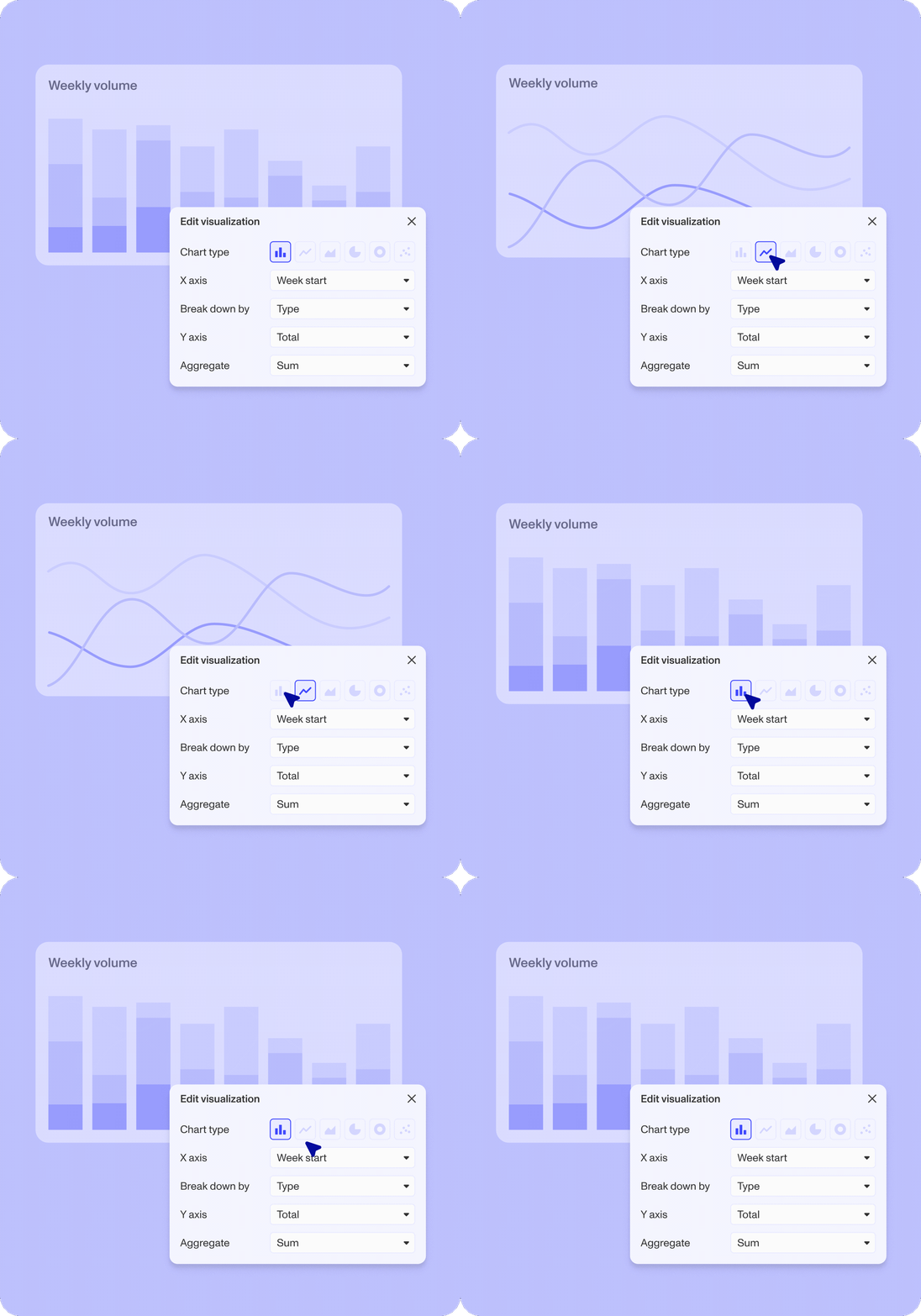
Turn any result into one or more charts as needed, choosing from bar, line, area, pie, donut, and scatter formats. You can also create different views of the results for different audiences.
3. Collaborate
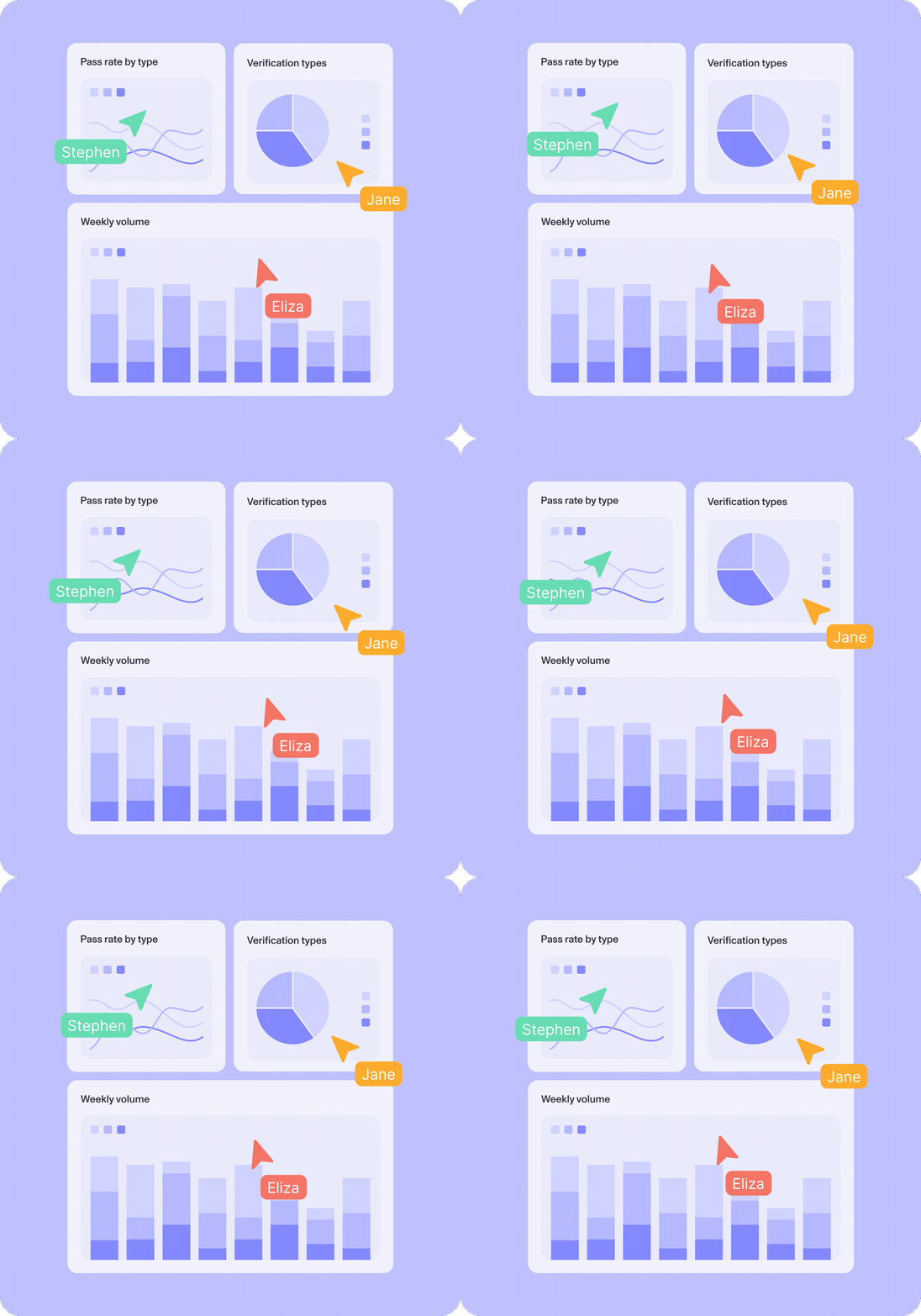
Save a query to your organization’s shared library. Any charts you create stay with the saved query, so teammates can review the query, results, and visualization in one place. You can also bring charts from saved queries into a shared dashboard, where your team can monitor the metrics that matter.
Investigate data easily, right where you work
Data Explorer changes who can get answers from your identity data and how quickly. It opens querying to your whole team, protects sensitive data while they work, and reduces investigation time from days to minutes.
Put data insights into everyone’s hands
Questions about your identity operations come from across the organization. Data Explorer lets more team members explore the underlying data without waiting for a ticket to be resolved.
Persona Assistant: Turn a natural language question into a query and data results into a visual chart without writing SQL.
Saved queries: Save refined queries to a shared library, giving teammates a consistent way to rerun the same analysis.
Templated query: Add variables to a query and rerun it with different inputs, like a date range, an inquiry ID, or a list of reference IDs, so you only need to write the logic once.
Simplify data workflows while automatically protecting sensitive data
Data Explorer runs where your Persona data already lives so you can analyze it without building a pipeline or maintaining an extract, transform, and load (ETL) process. Teams can review results alongside the Persona tools they already use for identity operations.
Because identity data can include sensitive personal information, Data Explorer excludes sensitive fields from standard sessions by default. Only users with access to Privileged Access Mode will be able to access those fields in a time-boxed, audited session.
Diagnose issues with verification flows in minutes
When users experience issues with verification flows, any number of problems could be at work: a check that started failing more often, a new error reason, weaker performance in a particular country or on a particular device type, or a change in completion times.
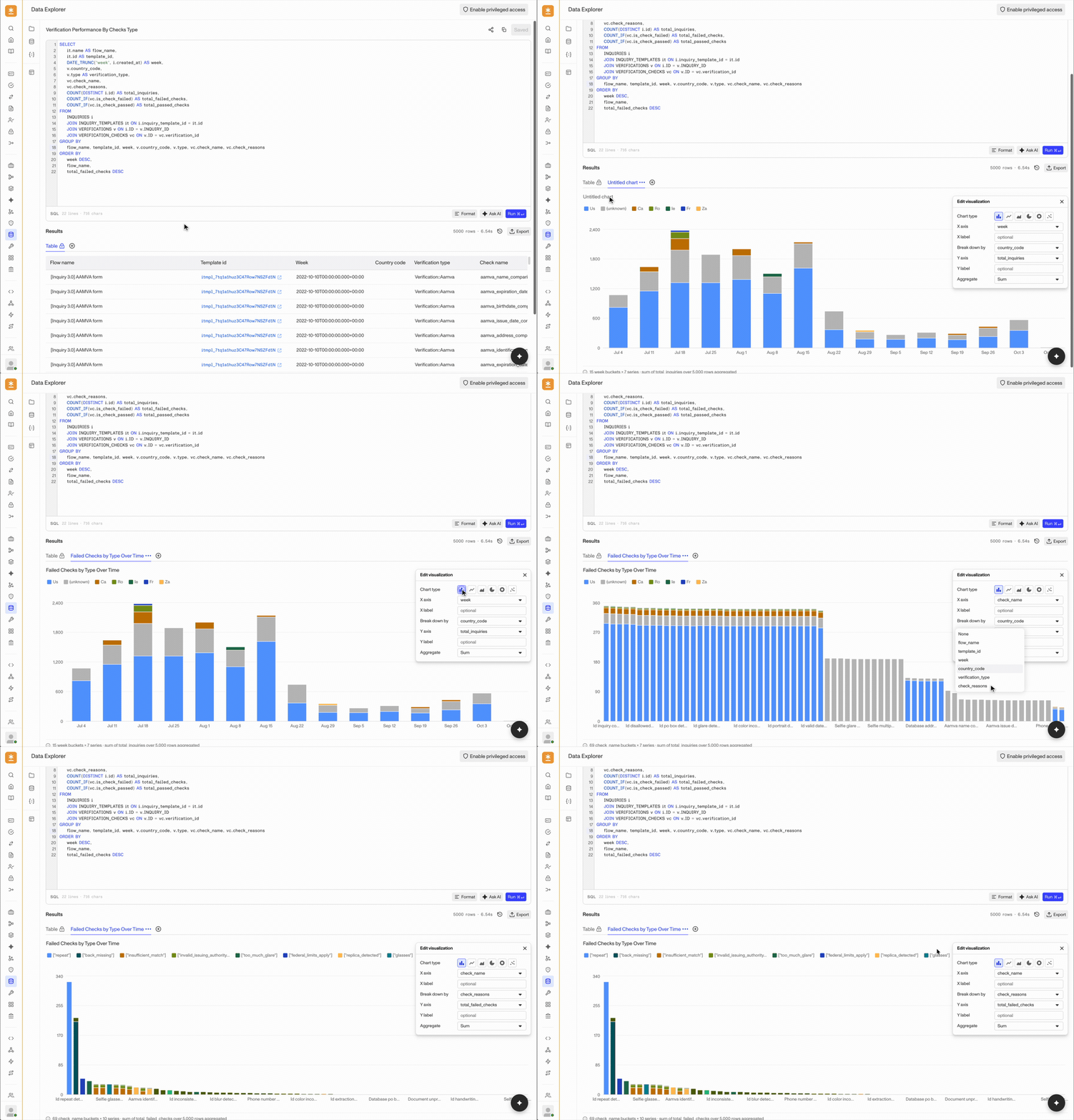
With Data Explorer, it’s easy to zero in on the problem. An analyst can compare results across flow configurations, time periods, countries, or device types. They can join inquiries with verifications and check-level results to measure completion, failure, expiration, and manual review rates. From there, they can identify which check or failure reason contributed most to the change and examine the relevant records.
Sharing and reusing the results across the organization is also simple. With Data Explorer, analysts can turn the results into a chart and add the visualization to a shared dashboard to streamline collaboration. As a result, product and operations teams can monitor performance after implementing changes without rebuilding the query.
Get answers and reports easily across identity operations use cases
Beyond verification analysis, Data Explorer helps you turn everyday questions across fraud, compliance, operations, and more into answers you can act on. For example, you can more easily conduct:
Fraud and abuse investigation: Paste a list of reference IDs into a saved query to review the related inquiries, verifications, and screening results for a suspect cohort. You can also examine device, network, and location signals that are not available through standard dashboard filters.
Compliance analysis and reporting: Extract the records needed for an audit or internal review. Save the query with variables for dates, regions, or other criteria so your team can run the same report again.
Case operations and reviewer oversight: Query case events to understand who moved a case, when it moved, and which queue they moved it to. You can also use Data Explorer to measure throughput, handling time, and automation rates across internal or vendor teams.
Self-serve reporting: Ask Persona Assistant to write a query, save it to the shared library, and add variables for dates, IDs, or other filters. Your team can then run the query with their own inputs without editing SQL.
Key features built for data exploration
Use these capabilities to explore your data and build analyses you can save, share, and rerun:
SQL editor: Write SQL in an editor that suggests tables and columns as you type, highlights errors, and formats queries in one click.
Persona Assistant: Describe the data you need in plain English, and Persona Assistant will draft a query. Or, ask it to revise existing SQL, such as adding a filter or column.
Privileged access mode: Open a time-boxed and audited session to query sensitive fields.
Saved query library: Keep your queries organized and ready to reuse, and duplicate or archive them as needed.
Shareable queries and dashboards: Share saved queries and dashboards with teammates so they can review and reuse the same analysis.
Export: Download a CSV report of query results for maximal flexibility.
Run history: Review SQL and results from your past runs in one click, so no analysis gets lost.
Get started with Data Explorer
Insights into your verification flows are most valuable when teams can actively use them. Data Explorer gives fraud, compliance, and operations teams a secure place to explore and interact with inquiries, verifications, and signals; uncover insights; and share what they learn across the organization. By putting this data to work, teams can continually strengthen their identity programs and make better decisions for the business.
Data Explorer is now generally available. Explore our solution and speak with your account team to get your organization set up.
The information provided is not intended to constitute legal advice; all information provided is for general informational purposes only and may not constitute the most up-to-date information. Any links to other third-party websites are only for the convenience of the reader.